


Hobbyist Nirvana
HN-R36S-WiFi Handheld Retro Game Console - 64GB, 3.5-inch Display - Built-in WiFi, No Dongle Needed
HN-R36S-WiFi Handheld Retro Game Console - 64GB, 3.5-inch Display - Built-in WiFi, No Dongle Needed
Couldn't load pickup availability
Watch It in Action
India's Only R36S with Built-in WiFi
The HN-R36S WiFi is the retro handheld that actually connects. Every R36S runs ArkOS and ships with over 15,000 classic games — but only this version has built-in WiFi, unlocking RetroArch NetPlay, wireless firmware updates, cloud save syncing, and online game artwork — no extra purchases, no dongles needed.
What Built-in WiFi Unlocks
WiFi Setup: 2 Simple Steps
⚠ The R36S supports 2.4 GHz WiFi only. If your router broadcasts both 2.4 and 5 GHz, connect to the 2.4 GHz network name specifically.
Full WiFi Setup Guide → | NetPlay Multiplayer Guide → | General Setup Guide →
 |
 |
 |
 |
 |
 |
 |
 |
 |
Why Choose HobbyistNirvana Over Cheaper Clones?
If you're seeing similar products at a lower price, here's exactly what you'd be giving up:
| Feature | Cheaper Clones | This R36S Console |
|---|---|---|
| Wi-Fi | ❌ Incompatible or missing | ✅ Built-in WiFi — no dongle needed |
| NetPlay | ❌ Not supported | ✅ Fully supports RetroArch NetPlay |
| Warranty | ❌ No warranty or support | ✅ 6-month warranty + fast replacement |
| Firmware | ❌ Locked or outdated | ✅ ArkOS — updatable & stable |
| Game Quality | ❌ Duplicates or broken games | ✅ Clean, curated, English-ready library |
| OTG Support | ❌ Missing or incompatible | ✅ OTG cable included |
| After-Sales Support | ❌ None | ✅ WhatsApp customer support |
| Transparency | ❌ Misleading images/specs | ✅ Clear specs and honest listings |
NetPlay: Retro Multiplayer Over the Internet
ArkOS ships with RetroArch pre-configured and NetPlay ready. Once you're on WiFi, getting an online session going takes about 60 seconds:
NetPlay works best with 2-player games from SNES, GBA, PS1, and MAME. Recommended titles: Street Fighter II, Tekken 3, Mario Kart, Mortal Kombat, Contra.
Console Specs & Key Features
Step into the world of retro gaming with the R36S Handheld Retro Game Console — your gateway to over 15,000+ classic games.
Why You'll Love It
- ✦Nostalgic Fun — Relive classics from your childhood, all in one device.
- ✦Perfect Gift — Ideal for kids and adults alike, for any occasion.
- ✦TV Connectivity — Hook it up to a big screen for a cinematic retro experience.
- ✦Online-Ready Out of the Box — Built-in WiFi means no dongle needed — just turn it on and connect.
Full games list → | R36S Setup Guide | Complete Features Guide (2026) | Tips & Secrets
Reviews
One More Look
Booted up Sonic and instantly felt like I was 10 again.
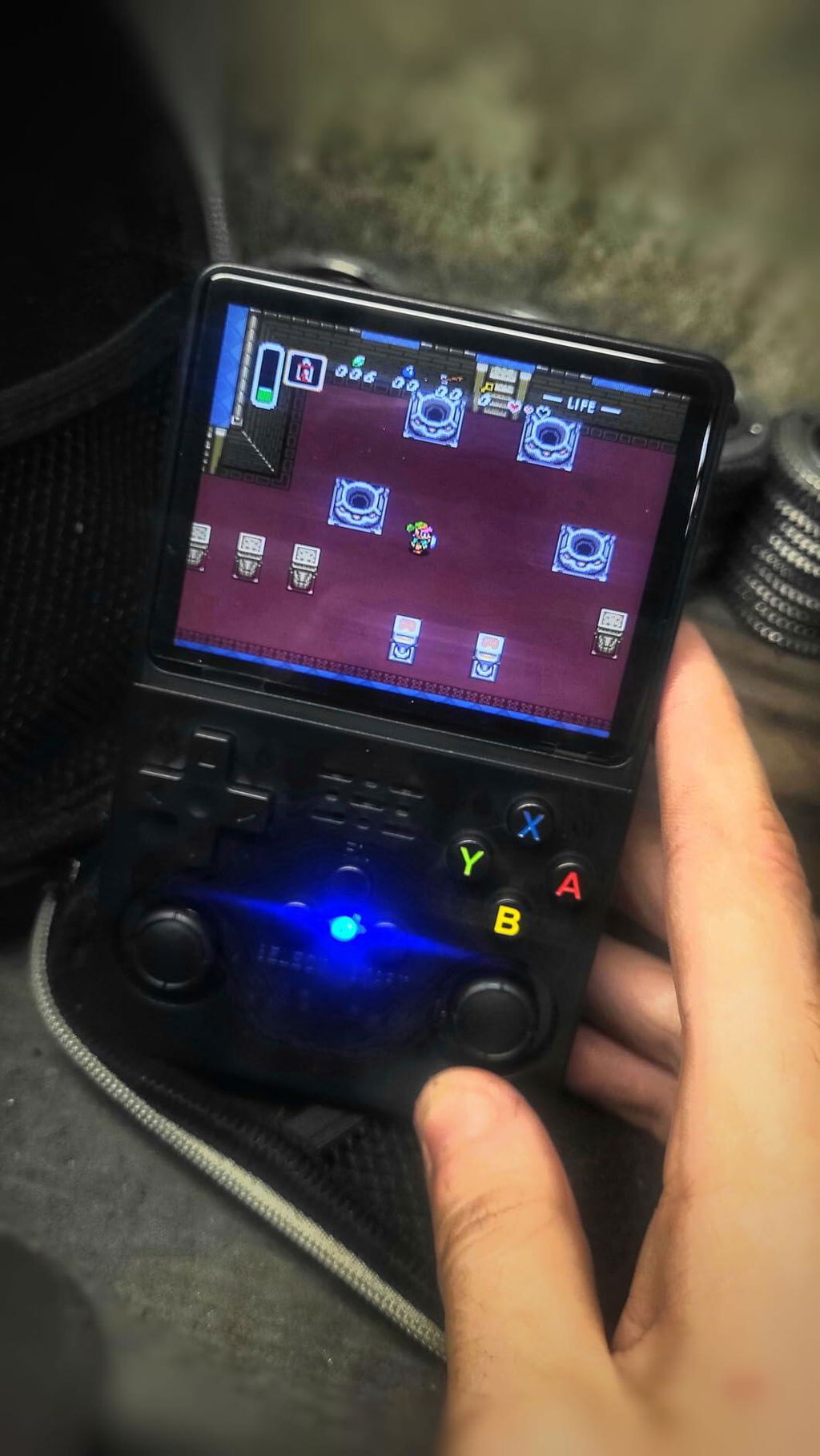
Didn’t expect this level of performance at this price point. Very happy.
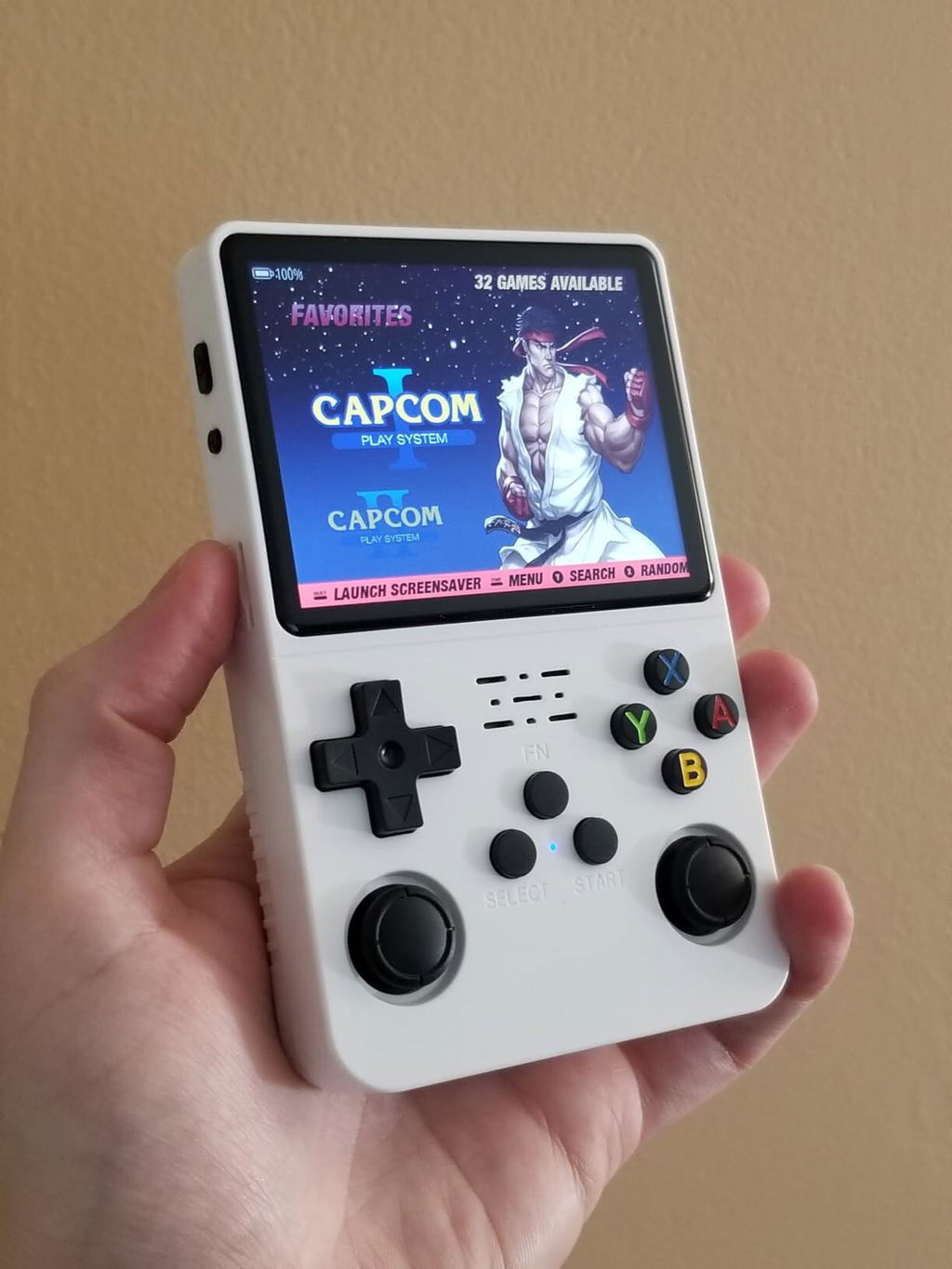
Used it during a 6-hour drive—battery held up and kept me entertained.
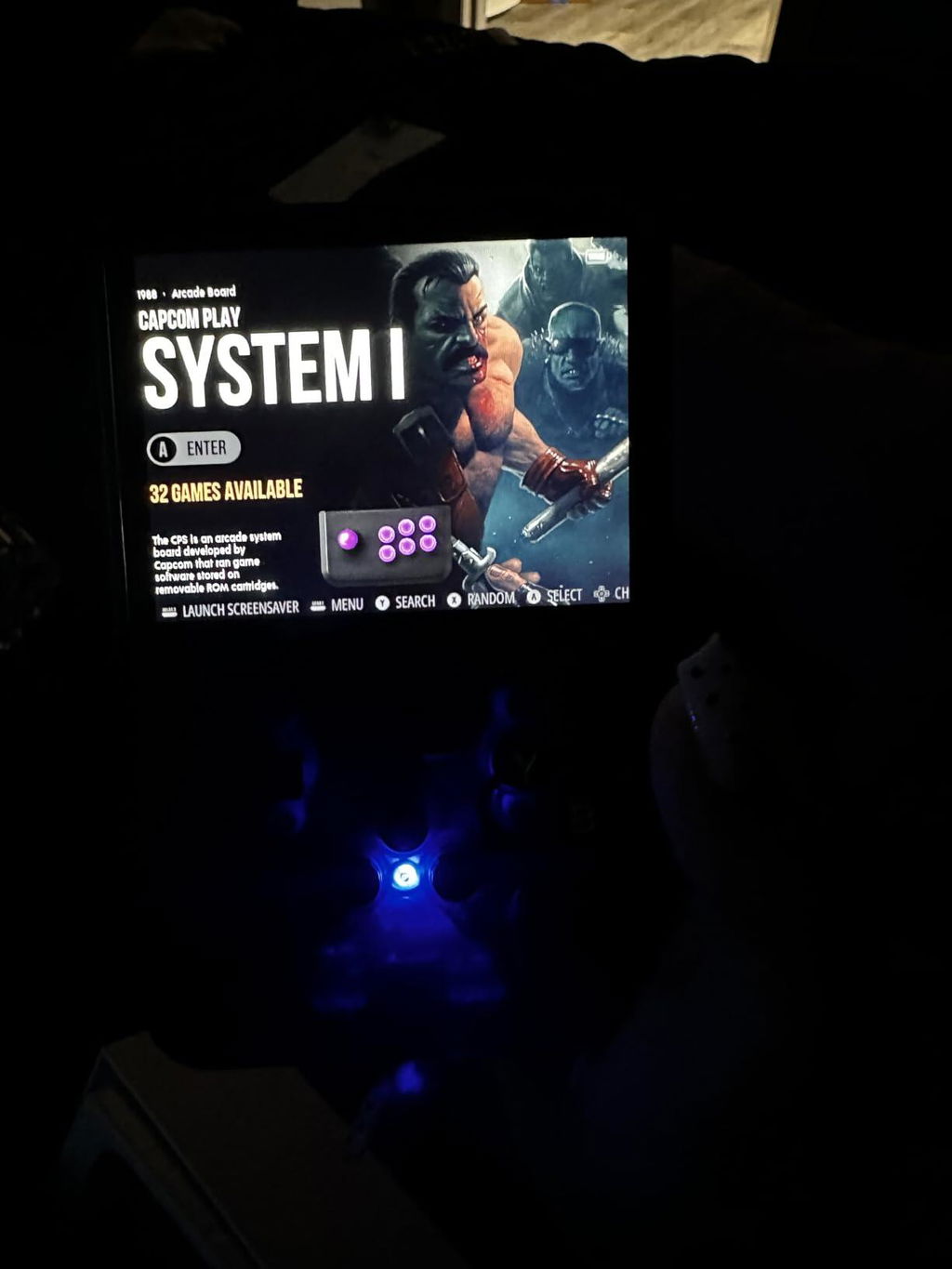
Would’ve liked a more detailed manual.
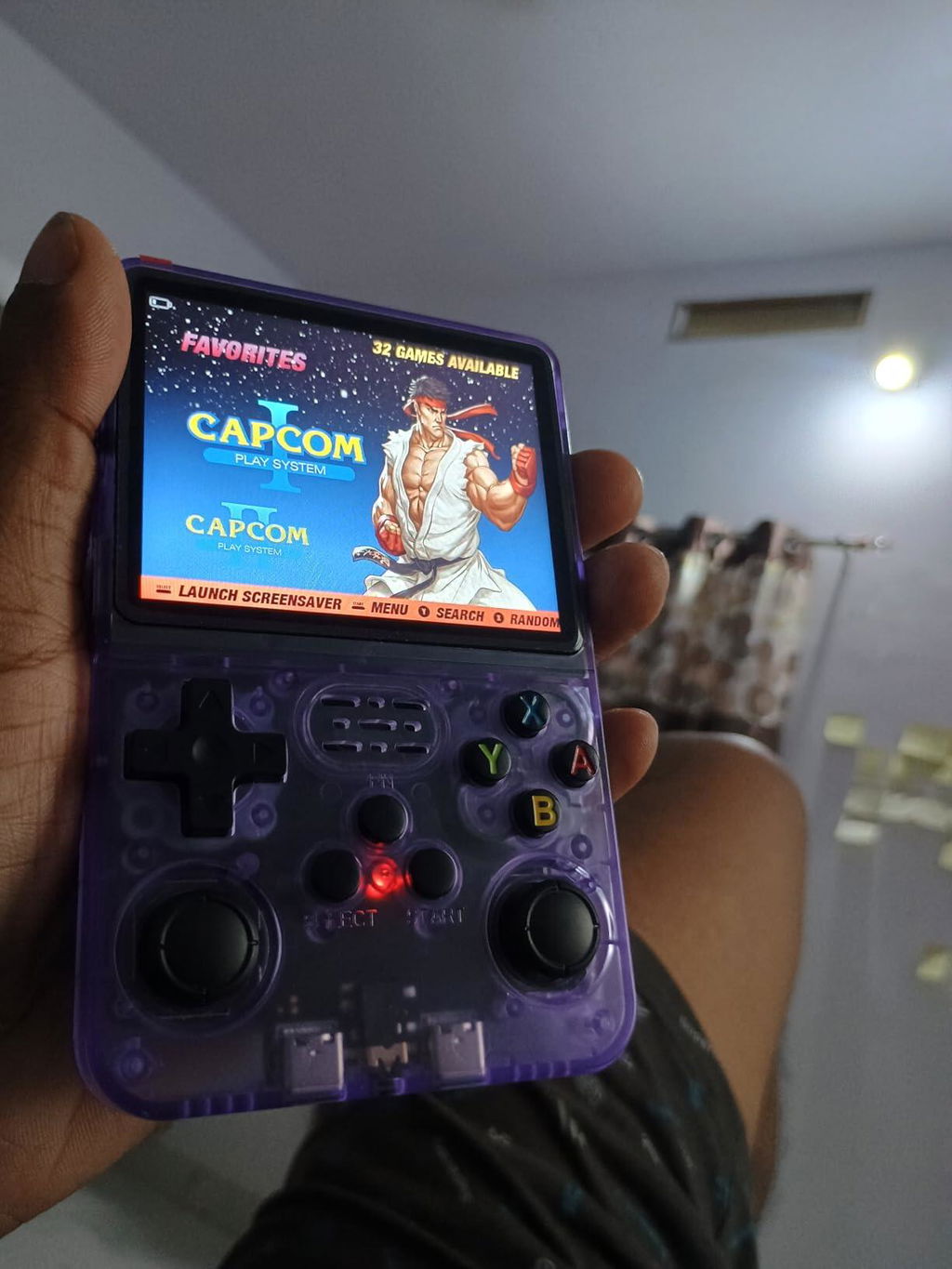
N64 and Dreamcast struggle a bit.
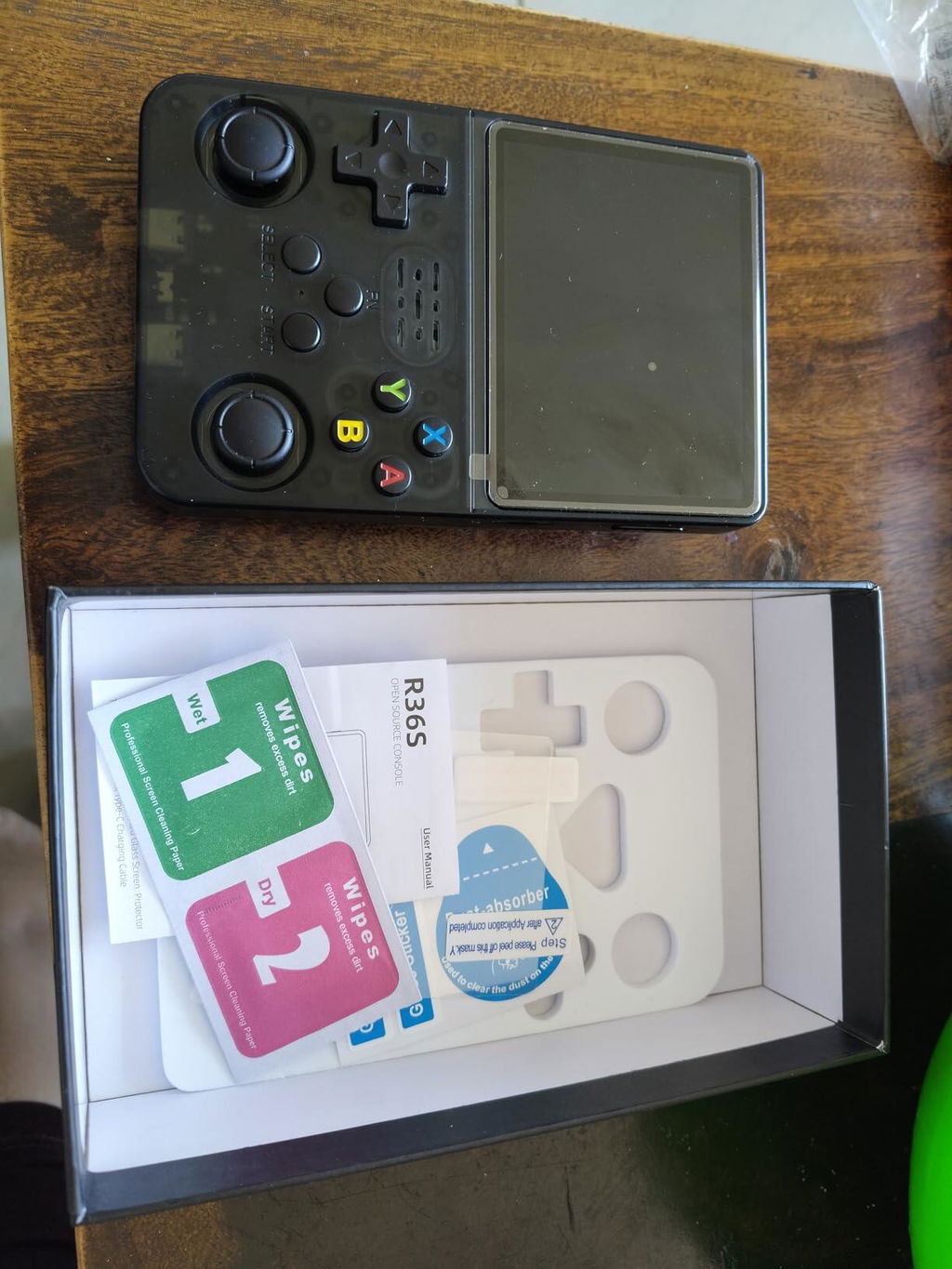
Just drag and drop ROMs into folders. Super simple.
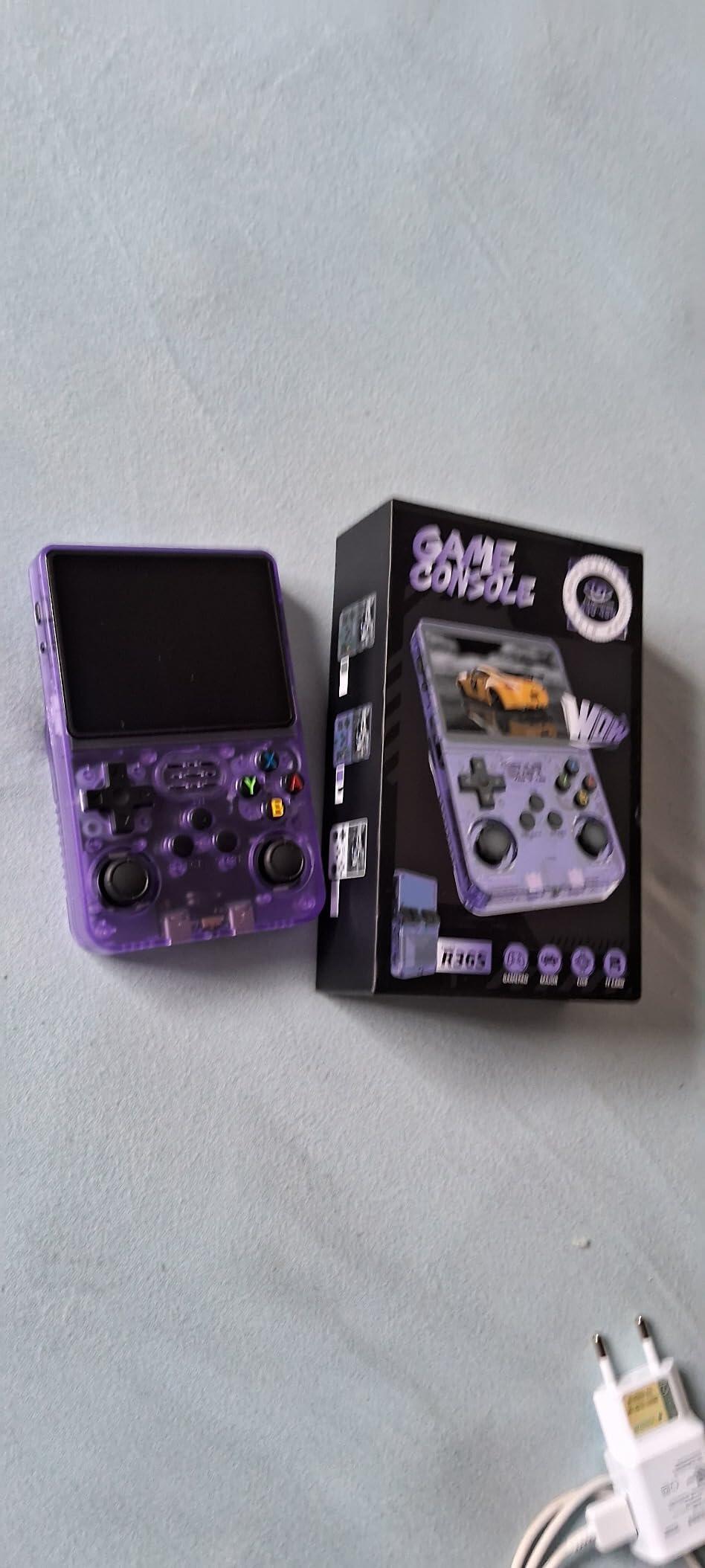
Found a few repeated titles, but easy to delete.
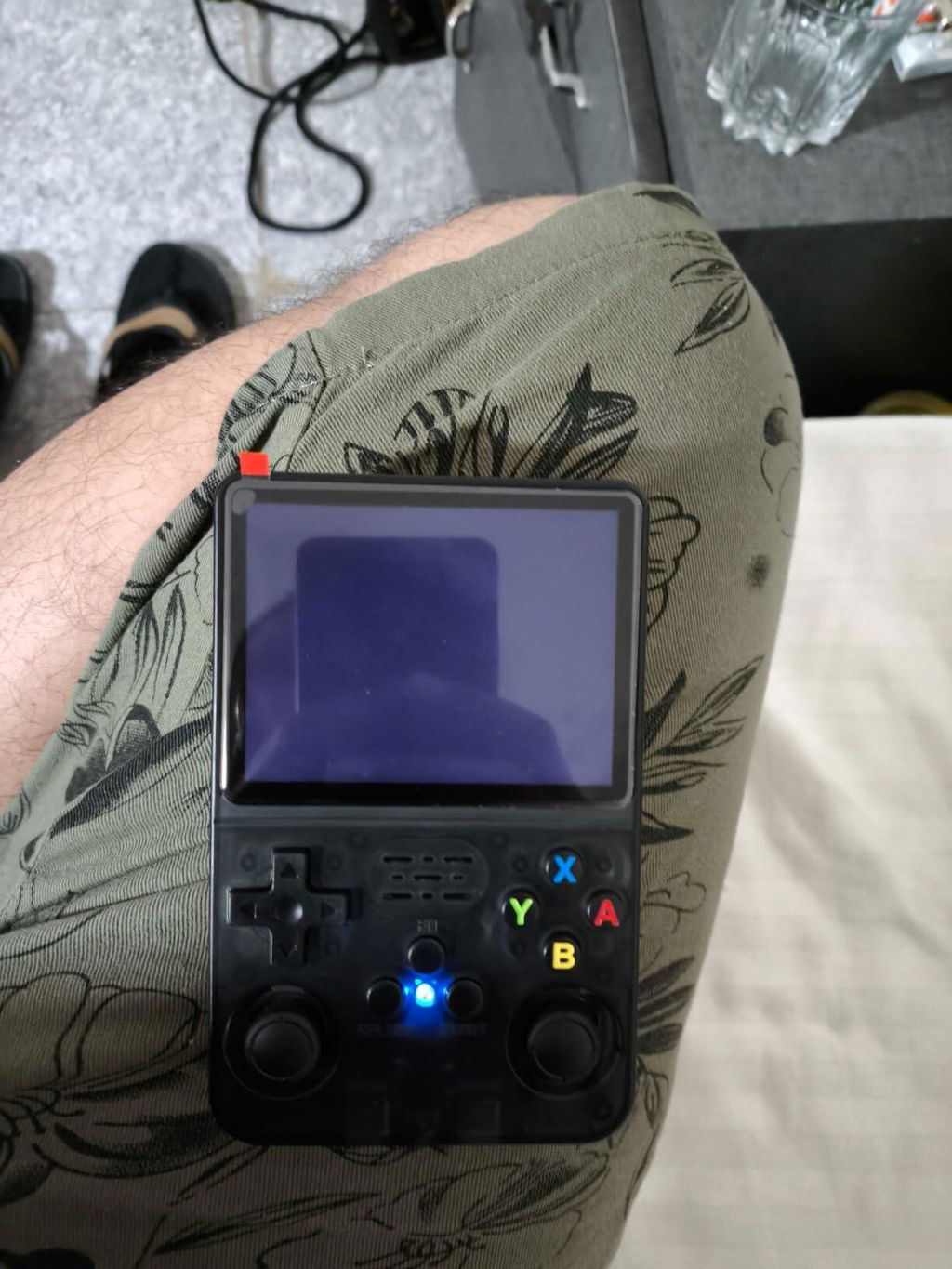
This console nails the retro vibe. I’ve been playing Mario and Contra nonstop.
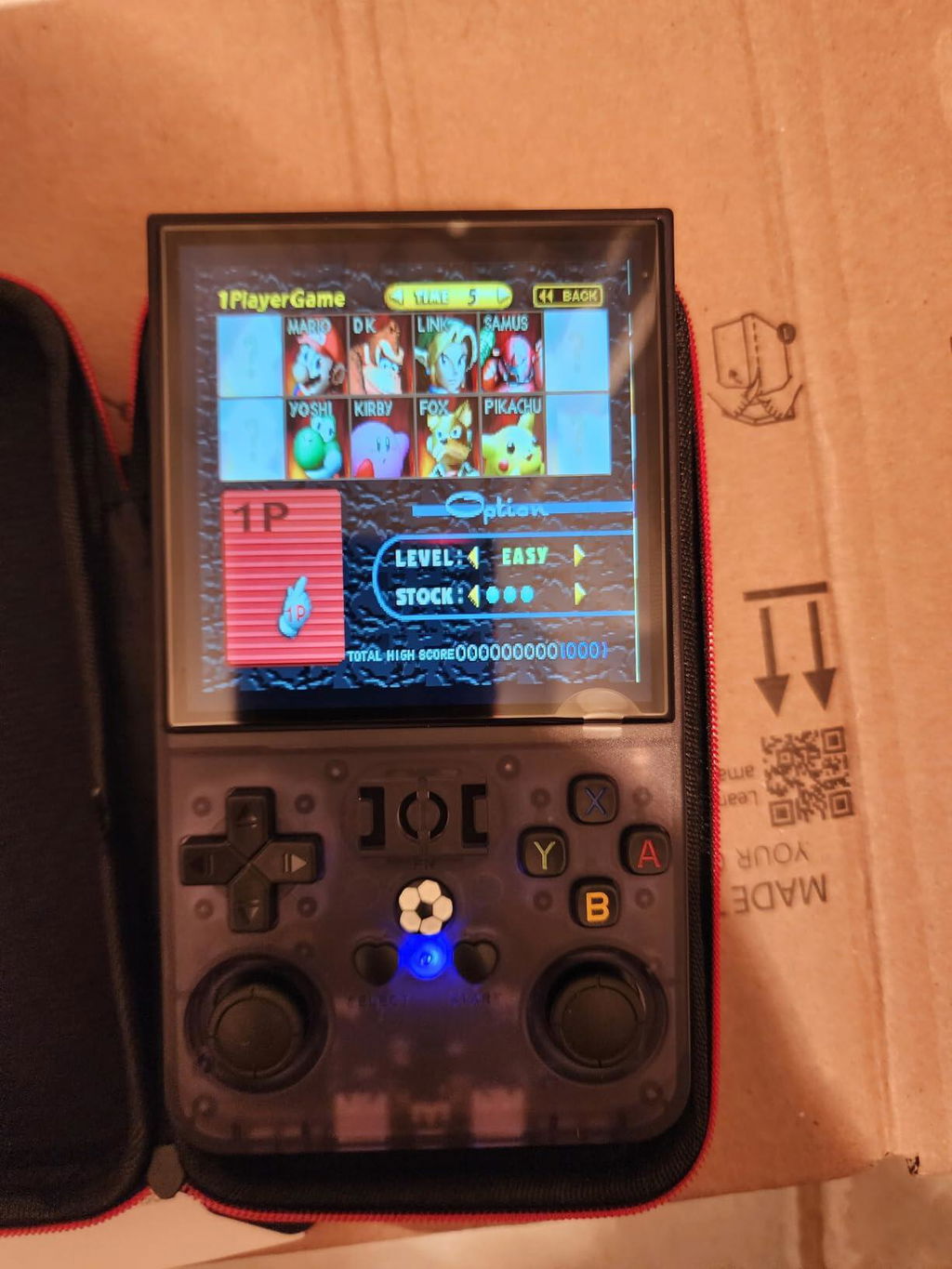
Comfortable even during long sessions.
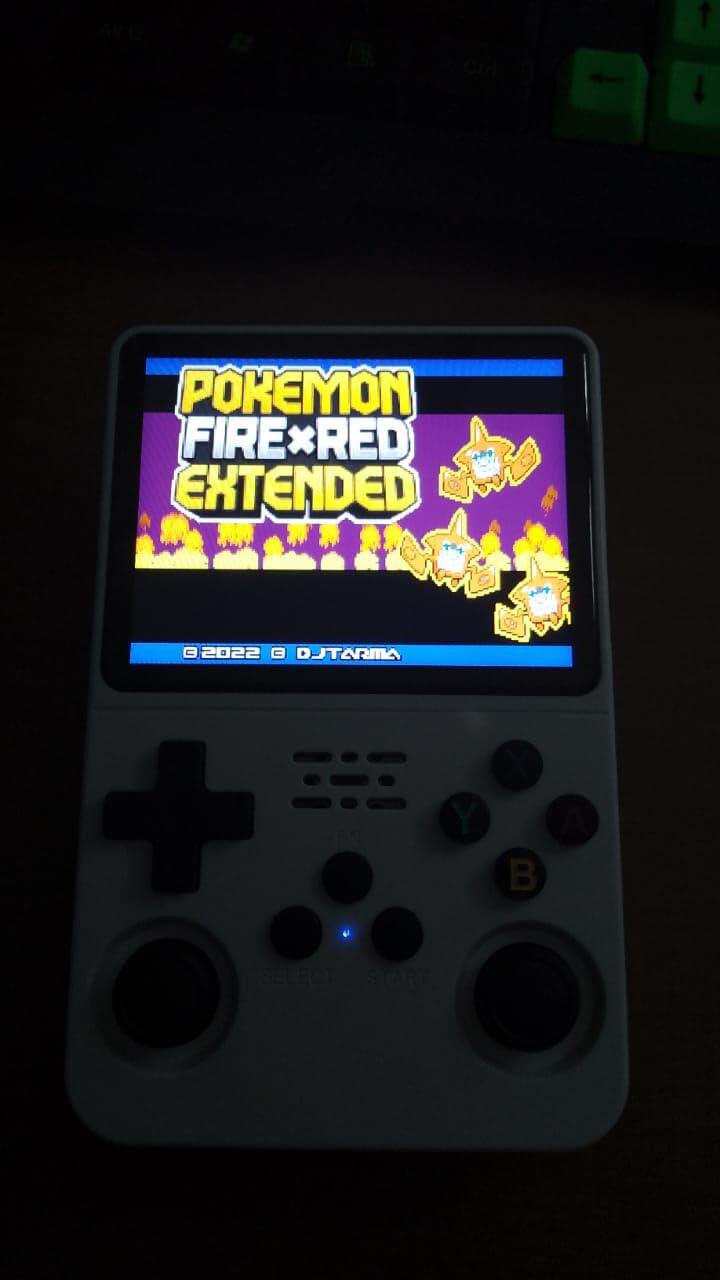
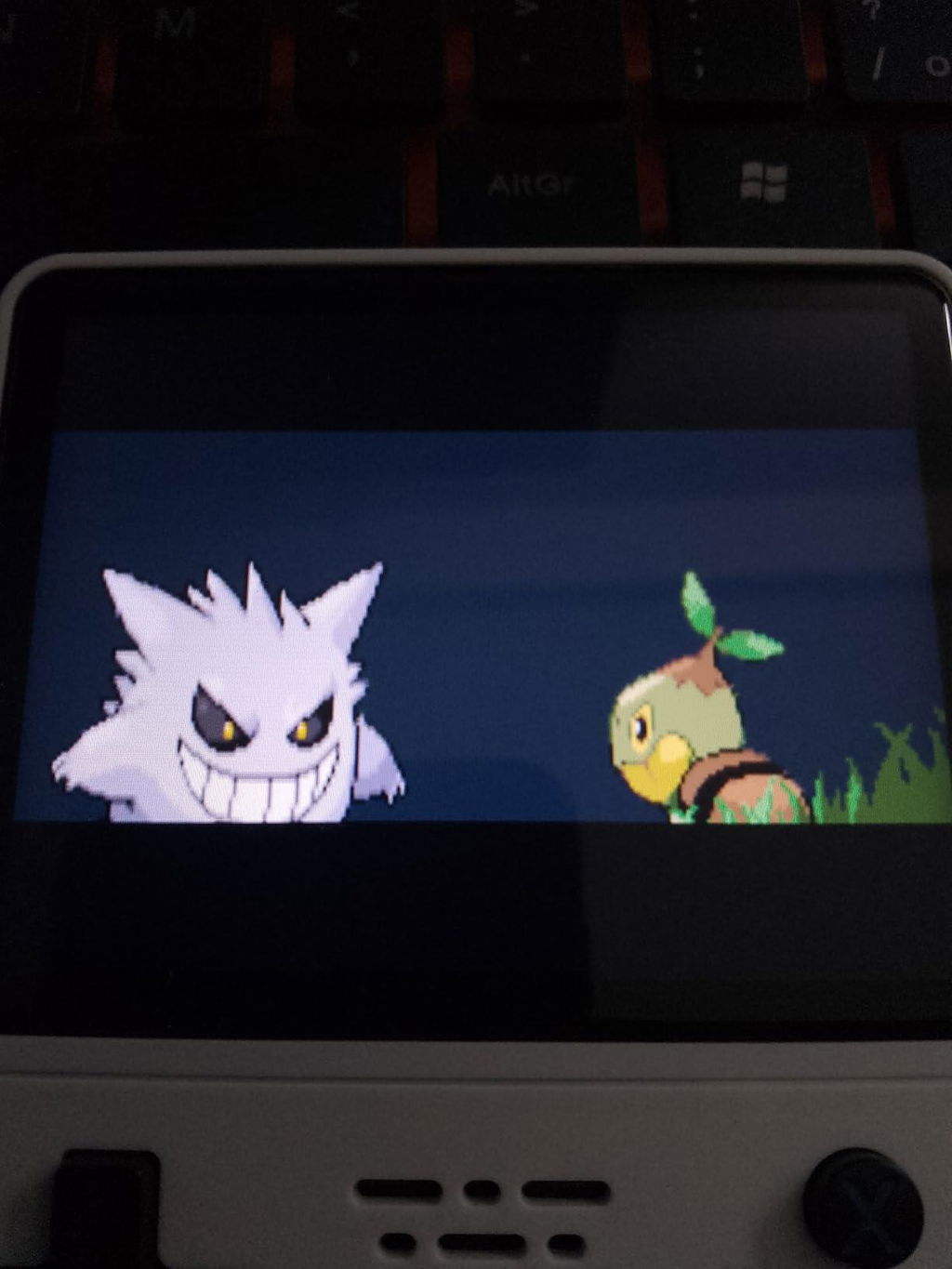
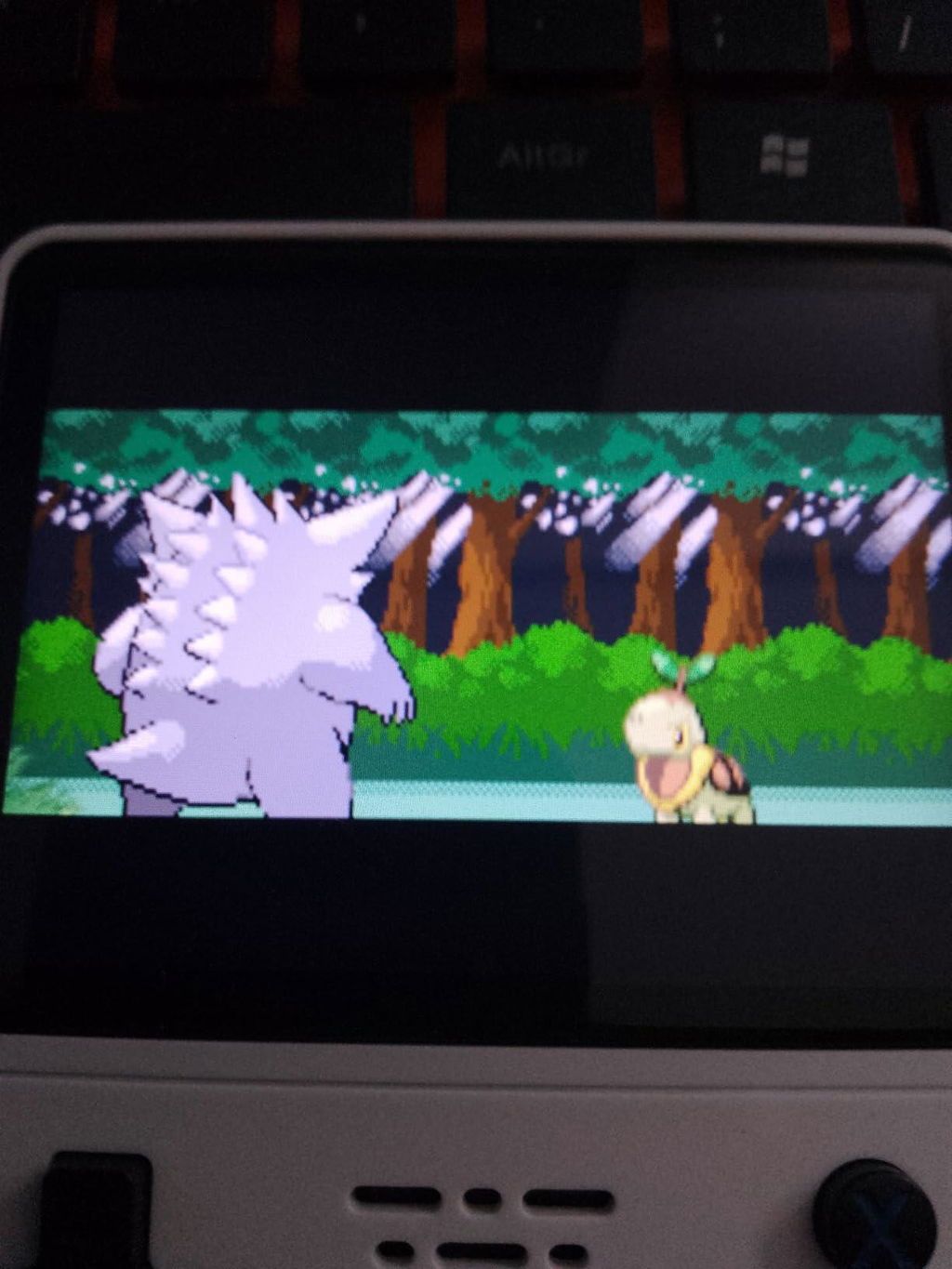
Great for short bursts of gameplay during breaks.
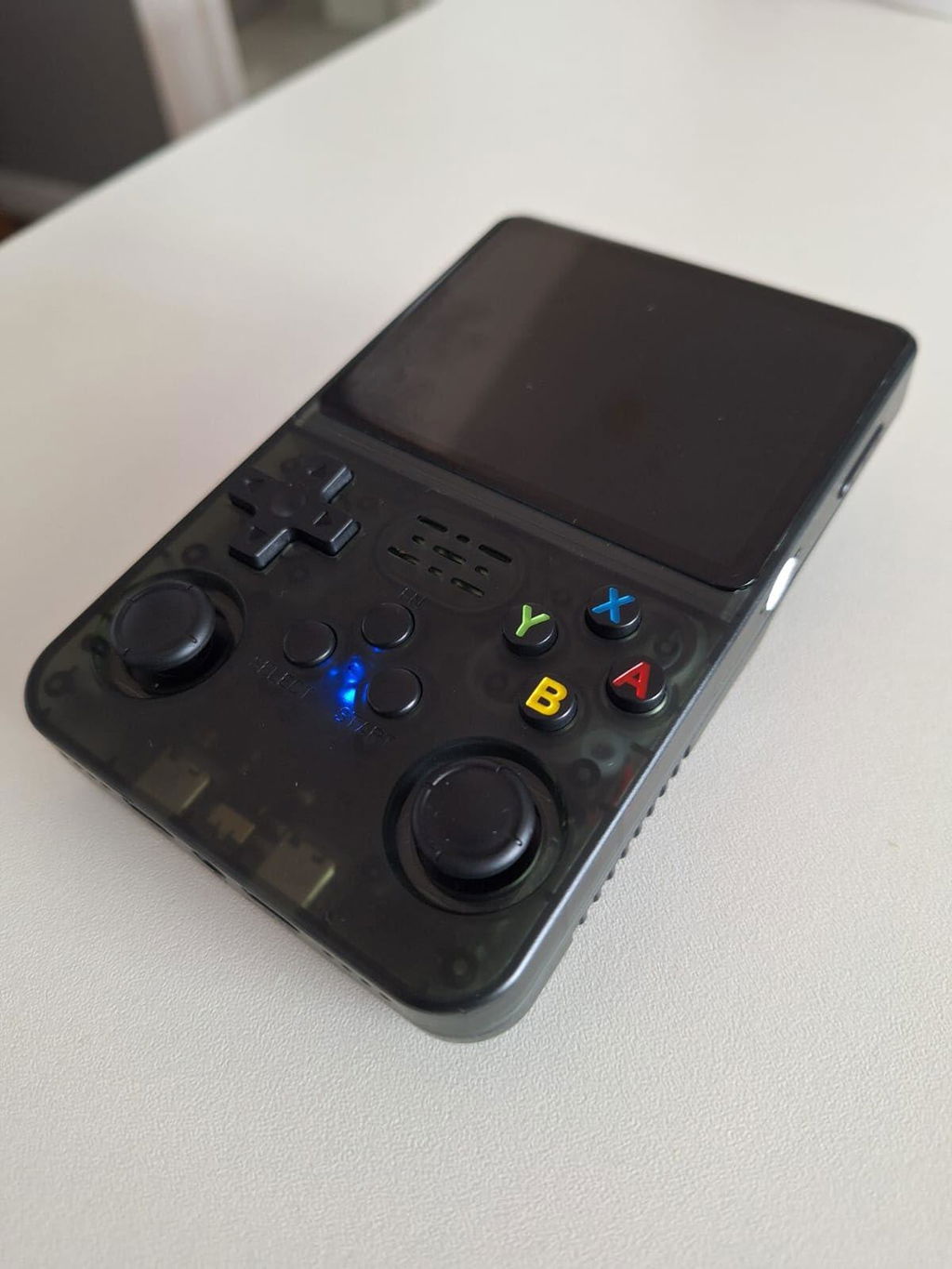
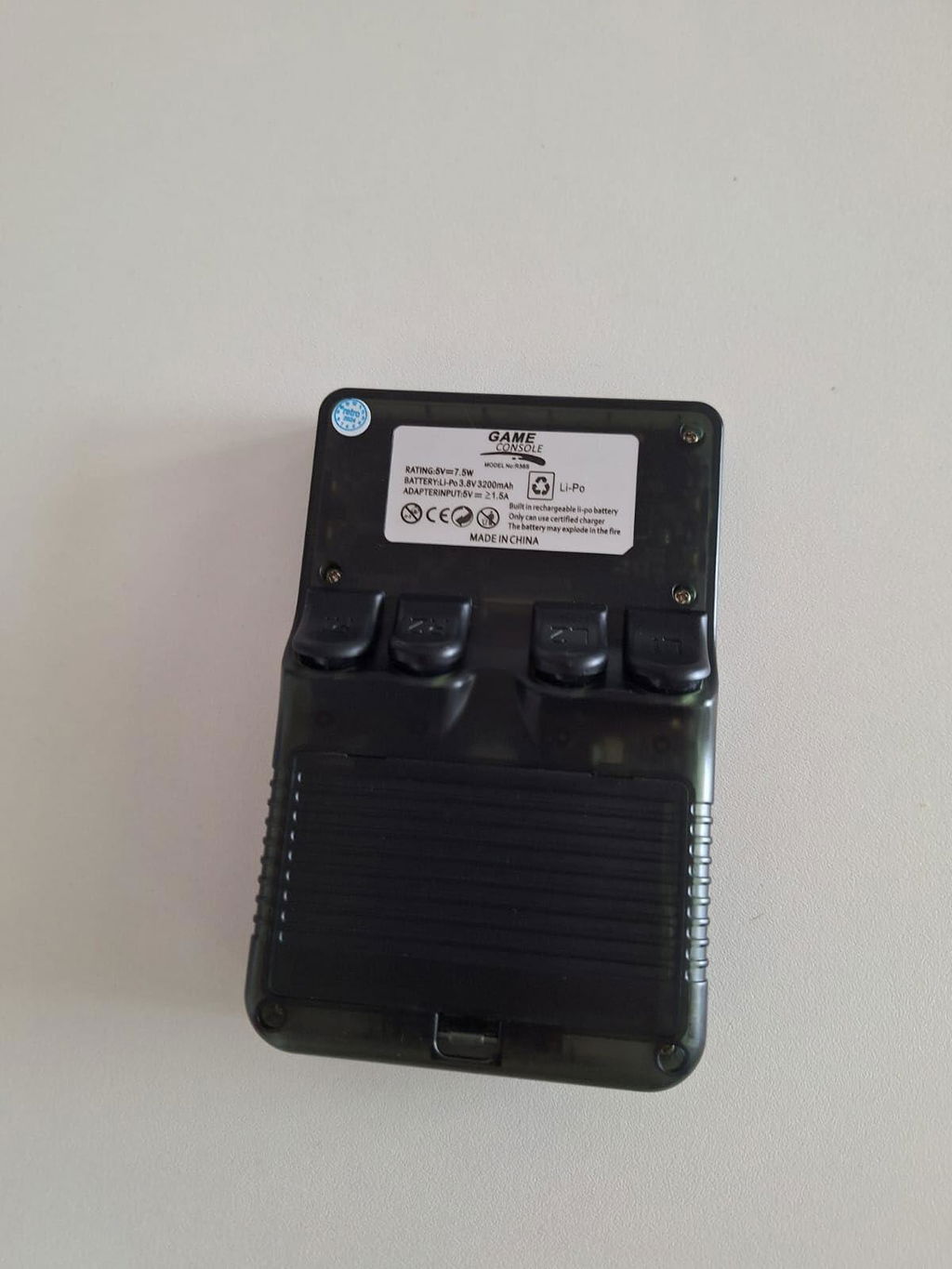
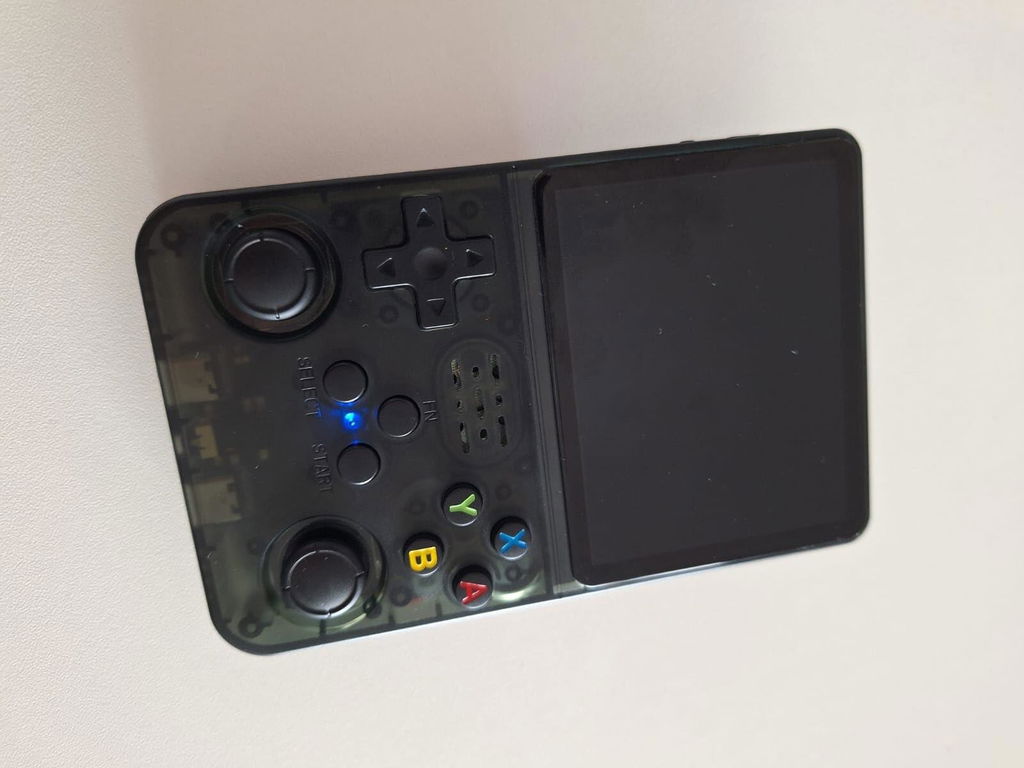
Doesn’t feel cheap at all. Solid construction.
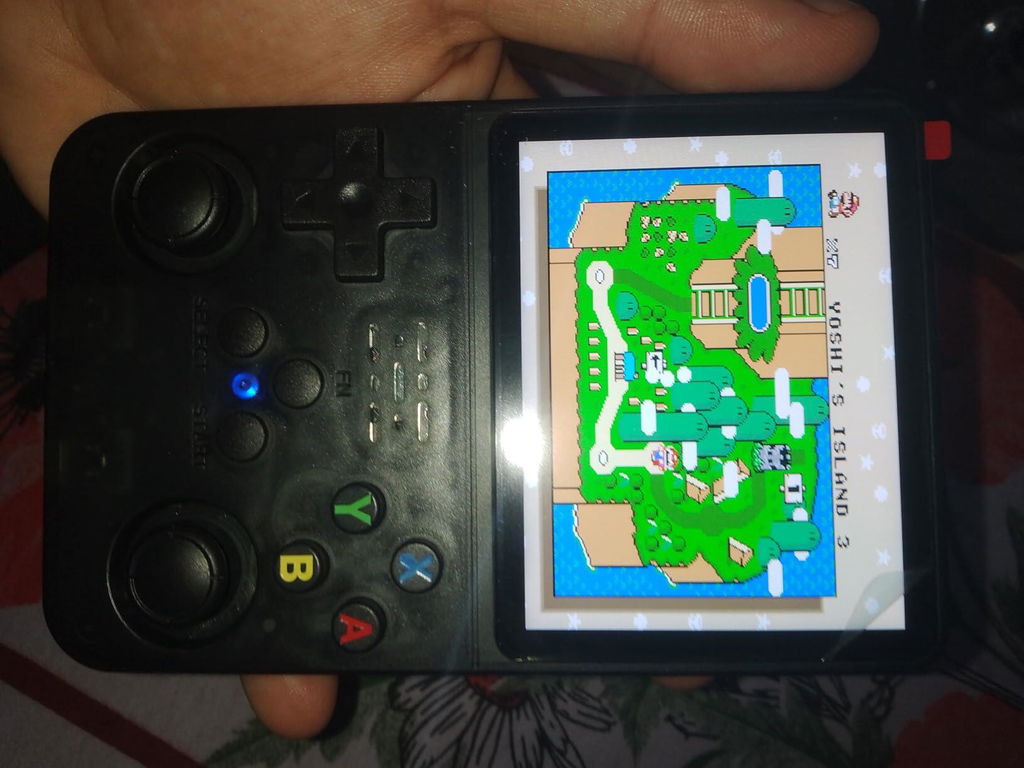
Booted up Contra and felt like I was 10 again.
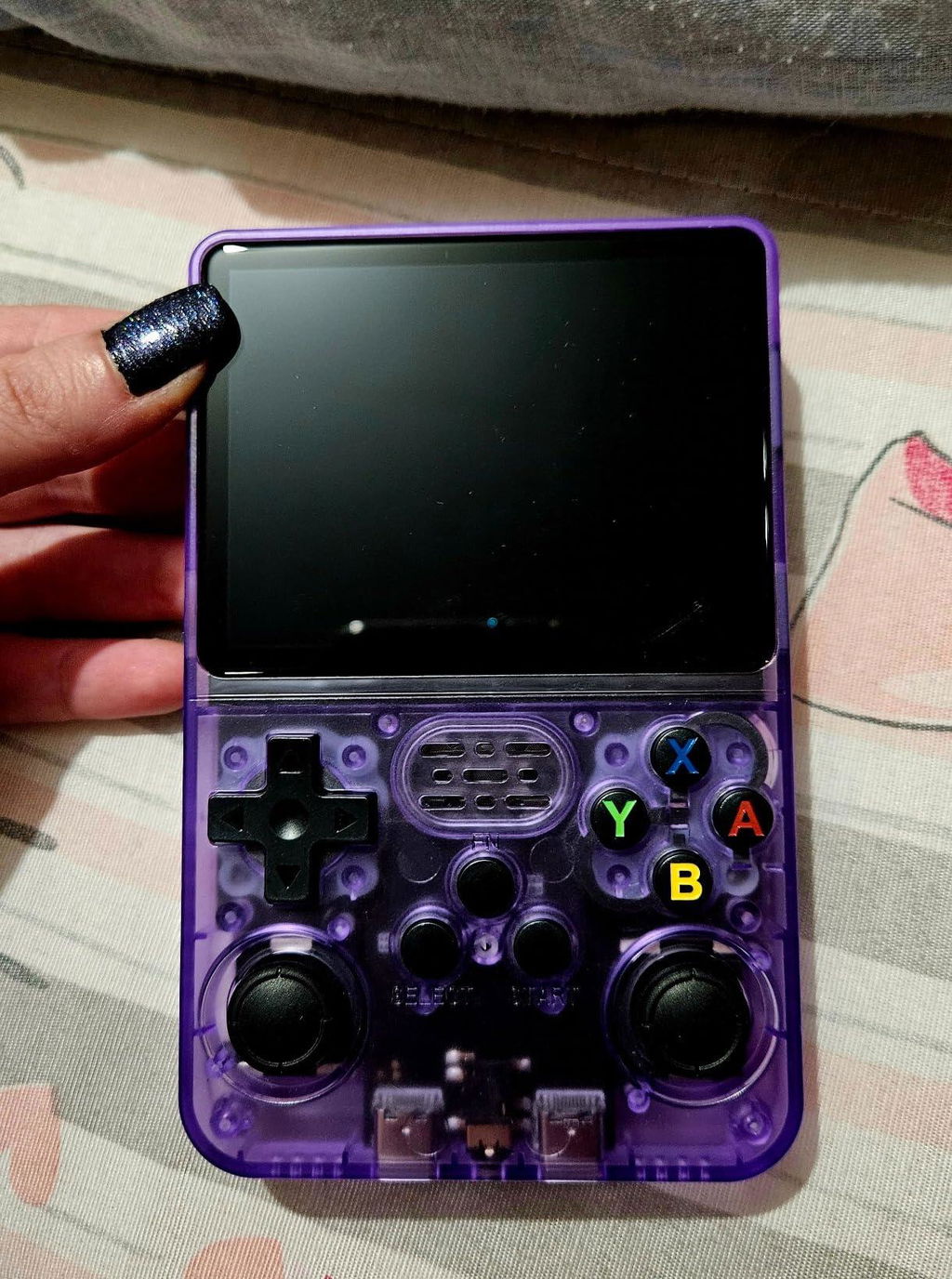
Took it on a 6-hour drive—battery held up and kept me entertained.
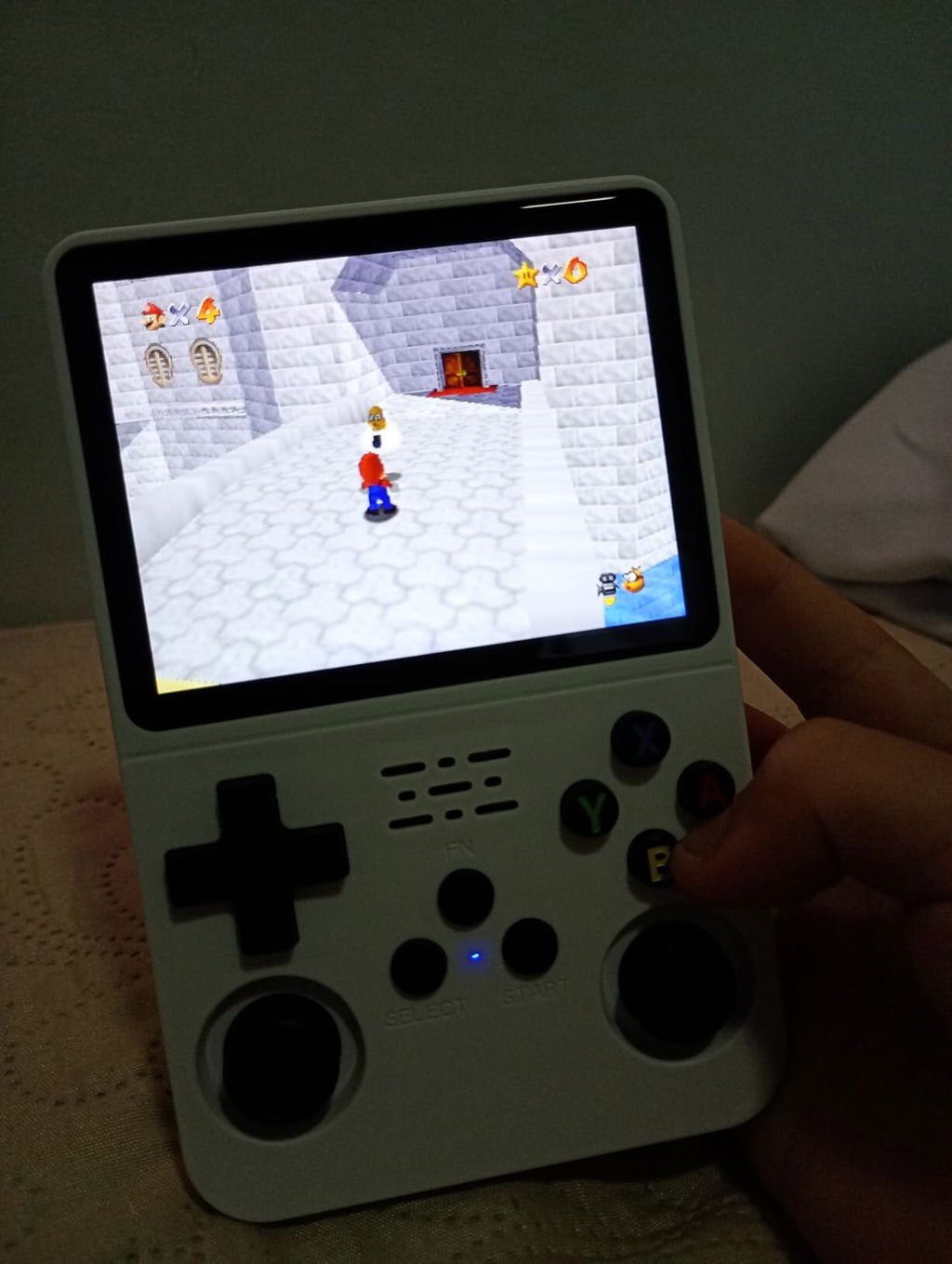
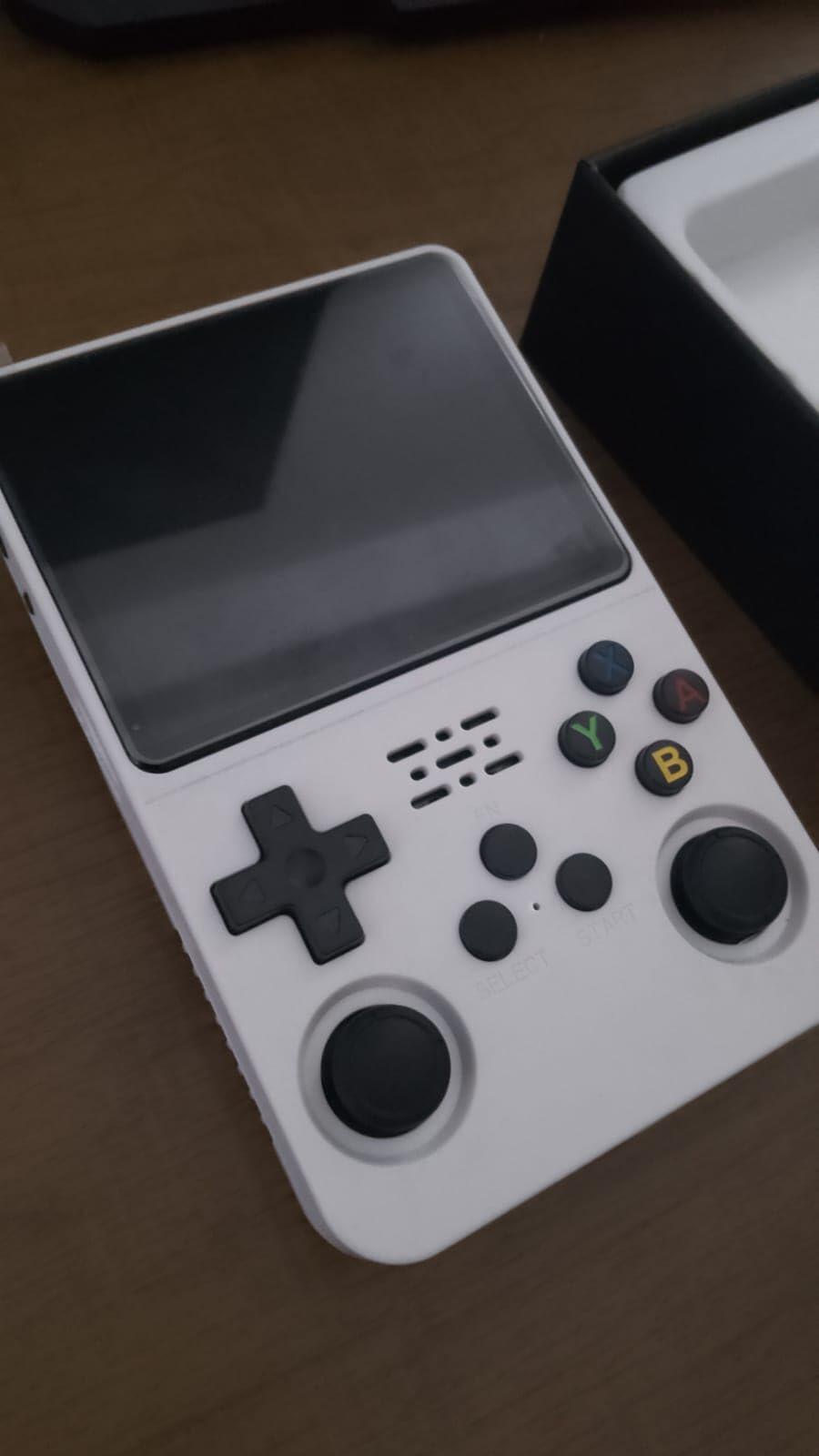
The 3.5-inch IPS display is sharp and colorful. Great for pixel art games.
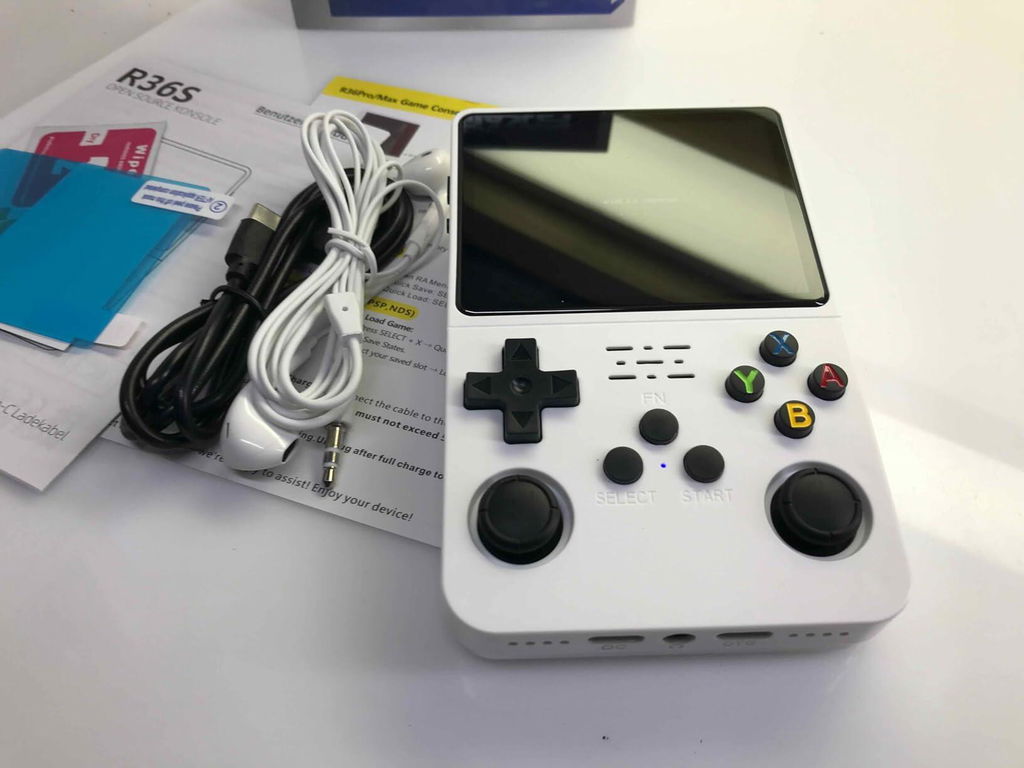
I am a retro game fan and this has all of my favorites on it. The picture is very good quality and controls are easy to use.
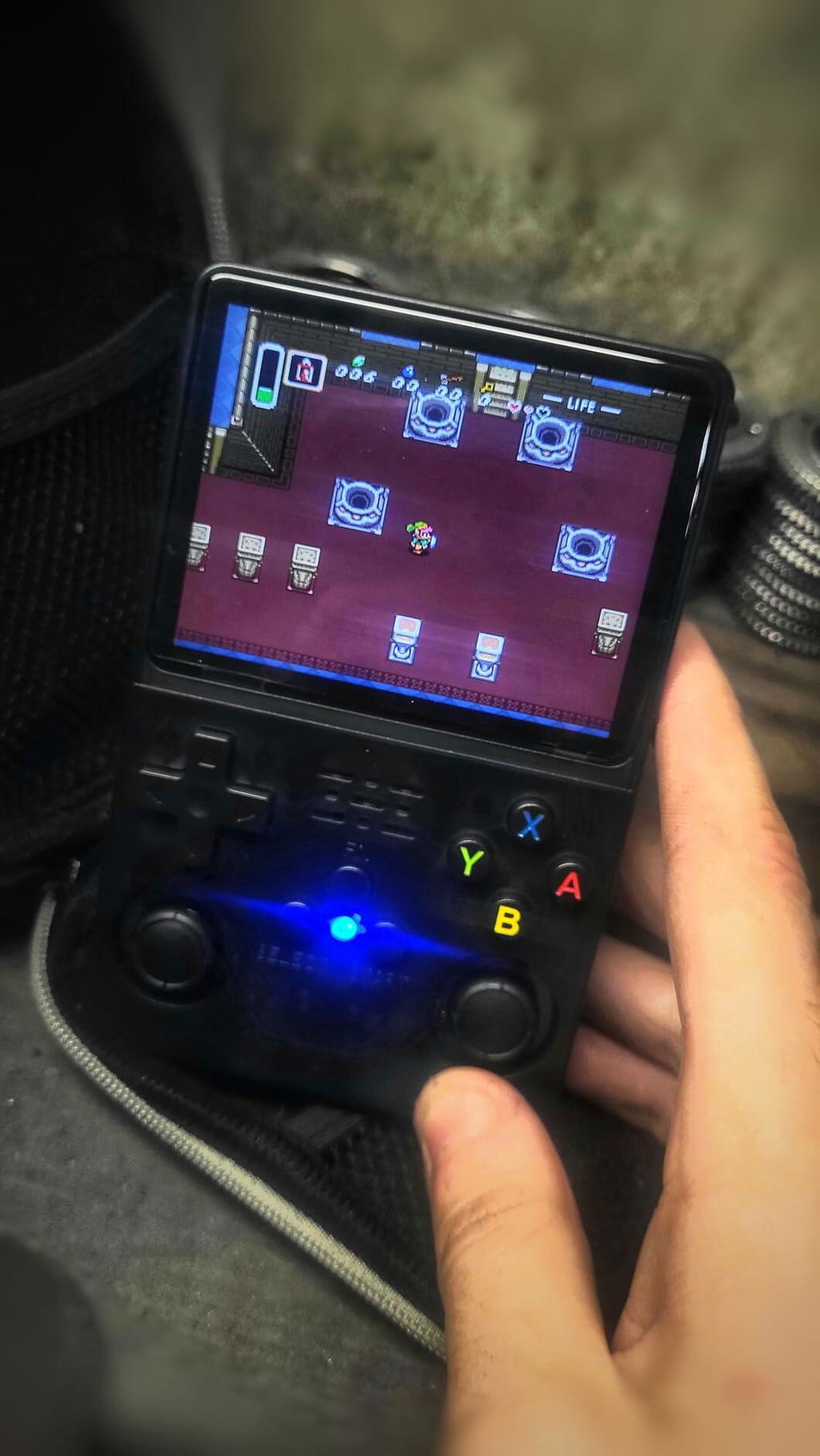
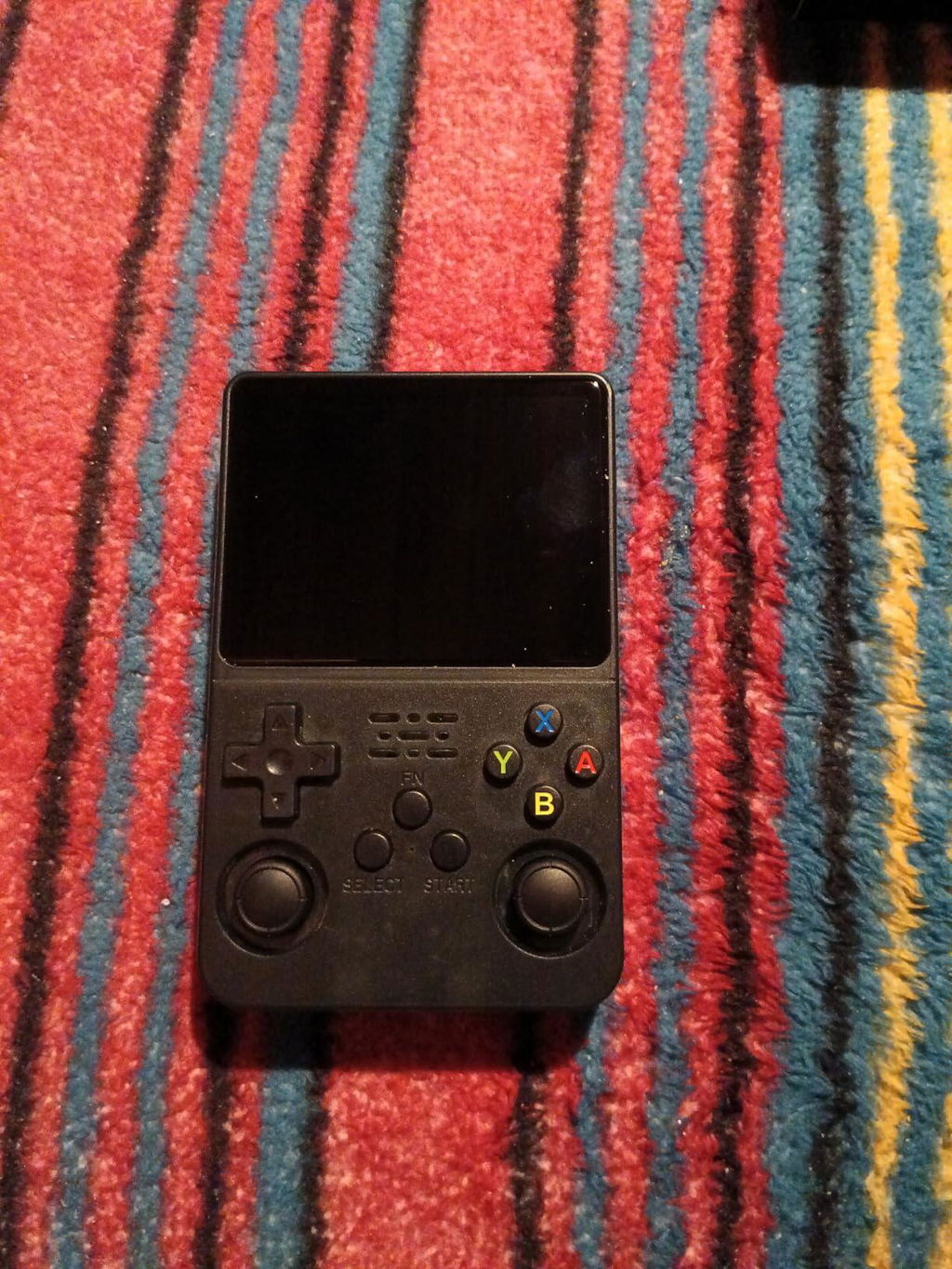
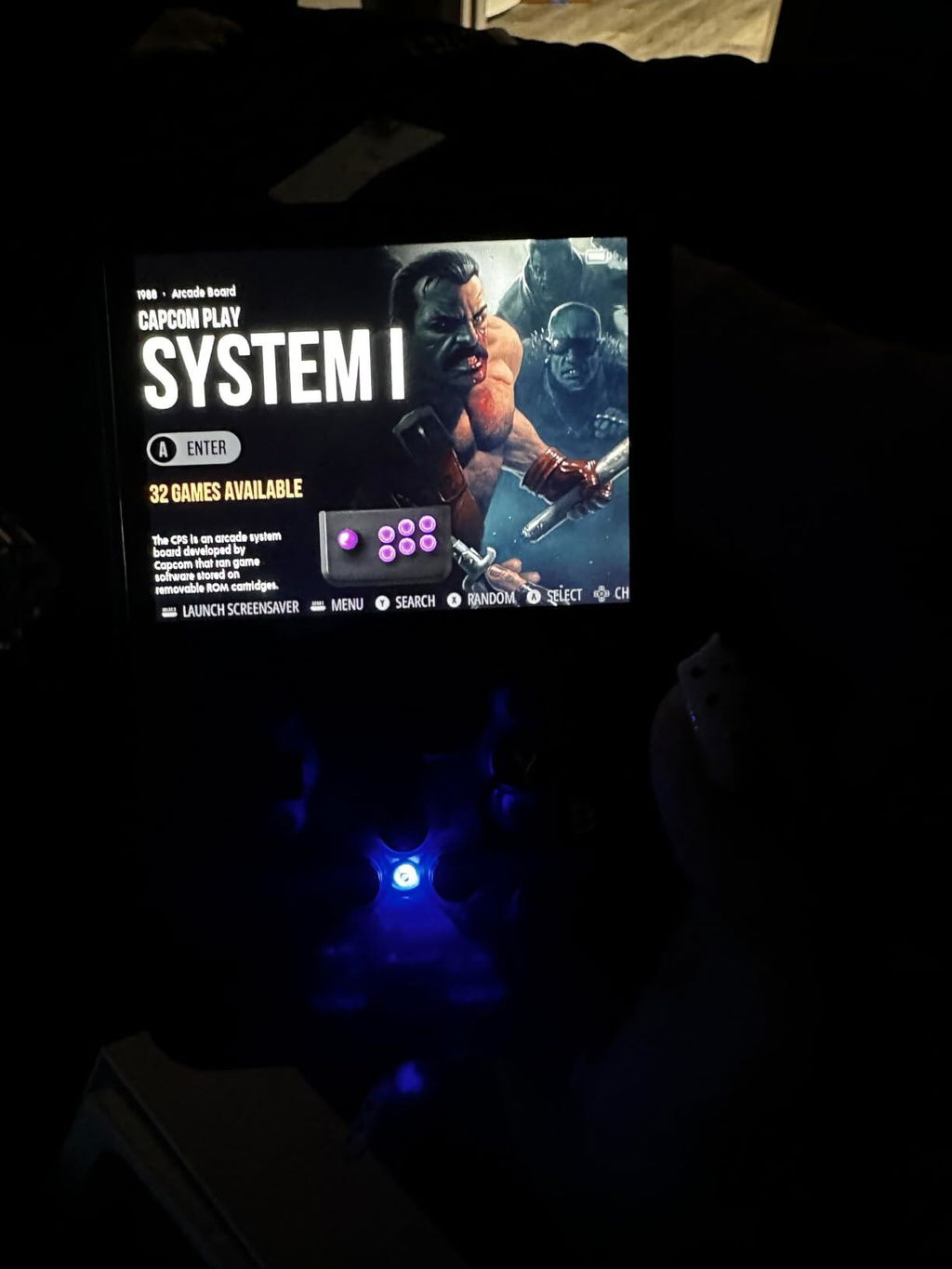
Great
Output is loud and clear. Headphone jack is a plus.
Just drag and drop into the SD card folders.
Neo Geo and CPS games run like a dream.
My kids and I take turns playing Mario Kart.
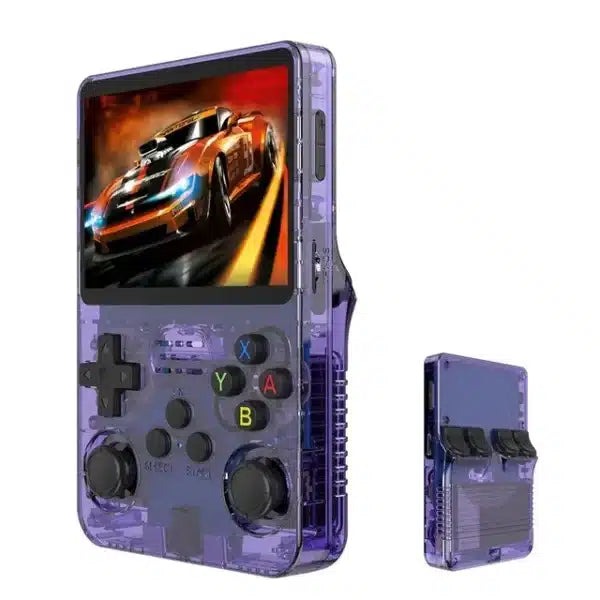
The see-through shell is a nice retro touch.
Everything from NES to SNES runs buttery smooth.
Fits in my bag without taking up space.
Didn’t know much about emulation, but this made it easy.
Looks great on my shelf and plays even better.


Booted up Sonic and instantly felt like I was 10 again.
Didn’t expect this level of performance at this price point. Very happy.
Used it during a 6-hour drive—battery held up and kept me entertained.
Would’ve liked a more detailed manual.
N64 and Dreamcast struggle a bit.
Just drag and drop ROMs into folders. Super simple.
Found a few repeated titles, but easy to delete.
This console nails the retro vibe. I’ve been playing Mario and Contra nonstop.
Comfortable even during long sessions.
Great for short bursts of gameplay during breaks.
Doesn’t feel cheap at all. Solid construction.
Booted up Contra and felt like I was 10 again.
Took it on a 6-hour drive—battery held up and kept me entertained.
The 3.5-inch IPS display is sharp and colorful. Great for pixel art games.
I am a retro game fan and this has all of my favorites on it. The picture is very good quality and controls are easy to use.
Great
Output is loud and clear. Headphone jack is a plus.
Just drag and drop into the SD card folders.
Neo Geo and CPS games run like a dream.
My kids and I take turns playing Mario Kart.
The see-through shell is a nice retro touch.
Everything from NES to SNES runs buttery smooth.
Fits in my bag without taking up space.
Didn’t know much about emulation, but this made it easy.
Looks great on my shelf and plays even better.